Cut with the Pencil. Hold with your fingers.
Greyboard runs in Safari on iPad, with nothing to install. Apple Pencil is the knife: pressure sets the depth of each pass. Fingers hold: one carries a sheet or a part, two turn the base board on its turntable, a two-finger tap undoes. Without a Pencil, a long press turns a finger into the knife.
What does the Pencil do, and what do fingers do?
| Gesture | What happens |
|---|---|
| Apple Pencil on a sheet | Cuts. Close to the steel rule the cut snaps to its edge and runs straight; freehand, a nearly straight line becomes straight and a curve is smoothed. |
| Pencil pressure | The depth of the pass. You hear it too: the blade gets louder as you press. |
| Pencil held a moment on a part | Picks the part up to carry it to the base board. |
| One finger | Carries a sheet, the rule, a cut part or the lamp; on the empty table it moves the camera around the model. |
| Long press of a finger on a sheet | The finger becomes the knife, for when the Pencil is elsewhere. |
| A second finger while holding a part | Turns the part; a quick tap of it stands the part on its edge. |
| Two fingers turning on the base board | Turns the turntable with the model, 1:1 under your fingers; let go near a quarter turn and it settles square. |
| Two fingers moving together | Slides the view along the table. |
| Pinch | Zooms in and out. |
| Two-finger tap | Back (undo). |
| Three-finger tap | Forward (redo). |
On a desktop the mouse or trackpad pointer is the blade; ⌘Z and ⇧⌘Z go back and forward, [ and ] turn the base board by 15°.
What does cutting with Apple Pencil feel like?
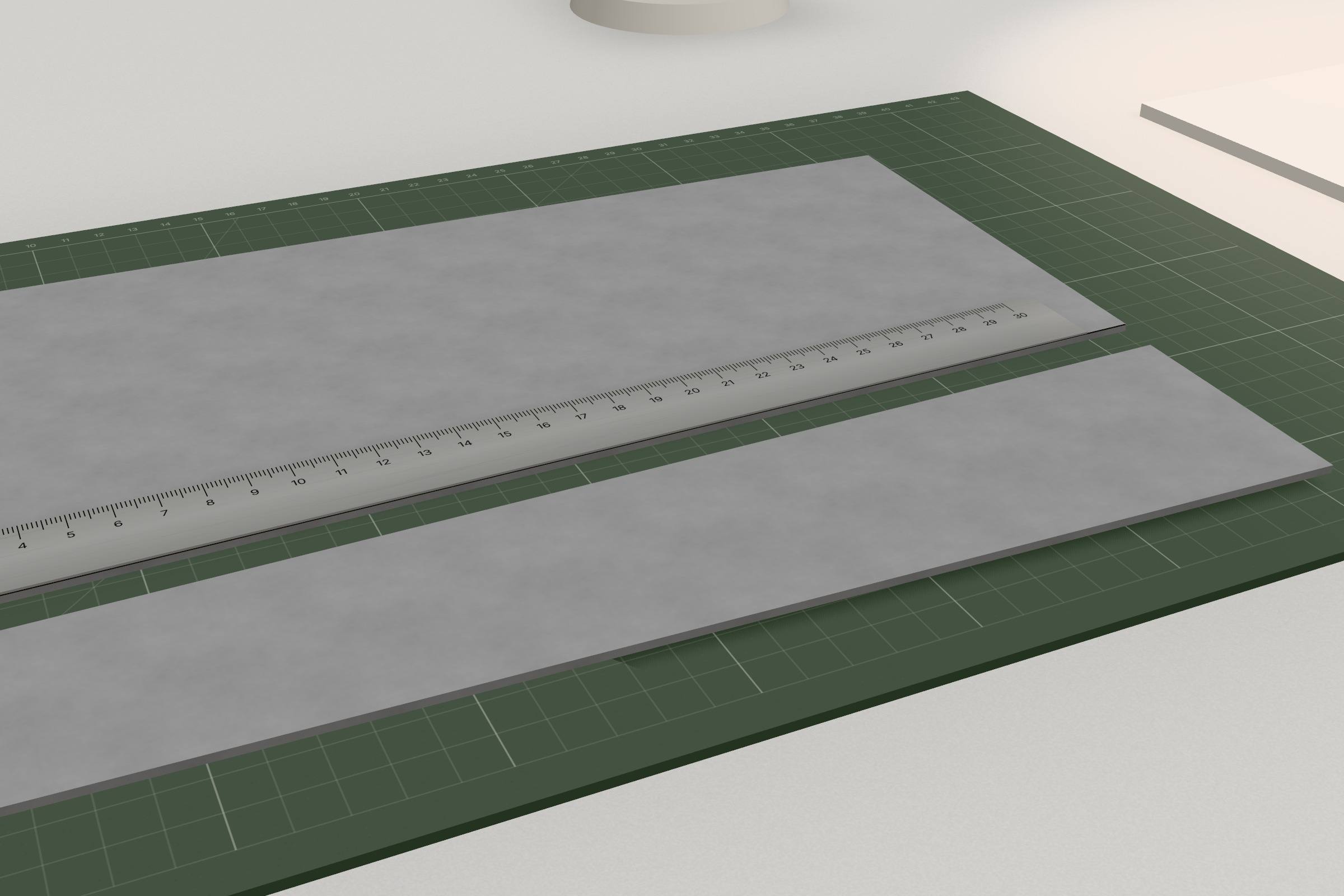
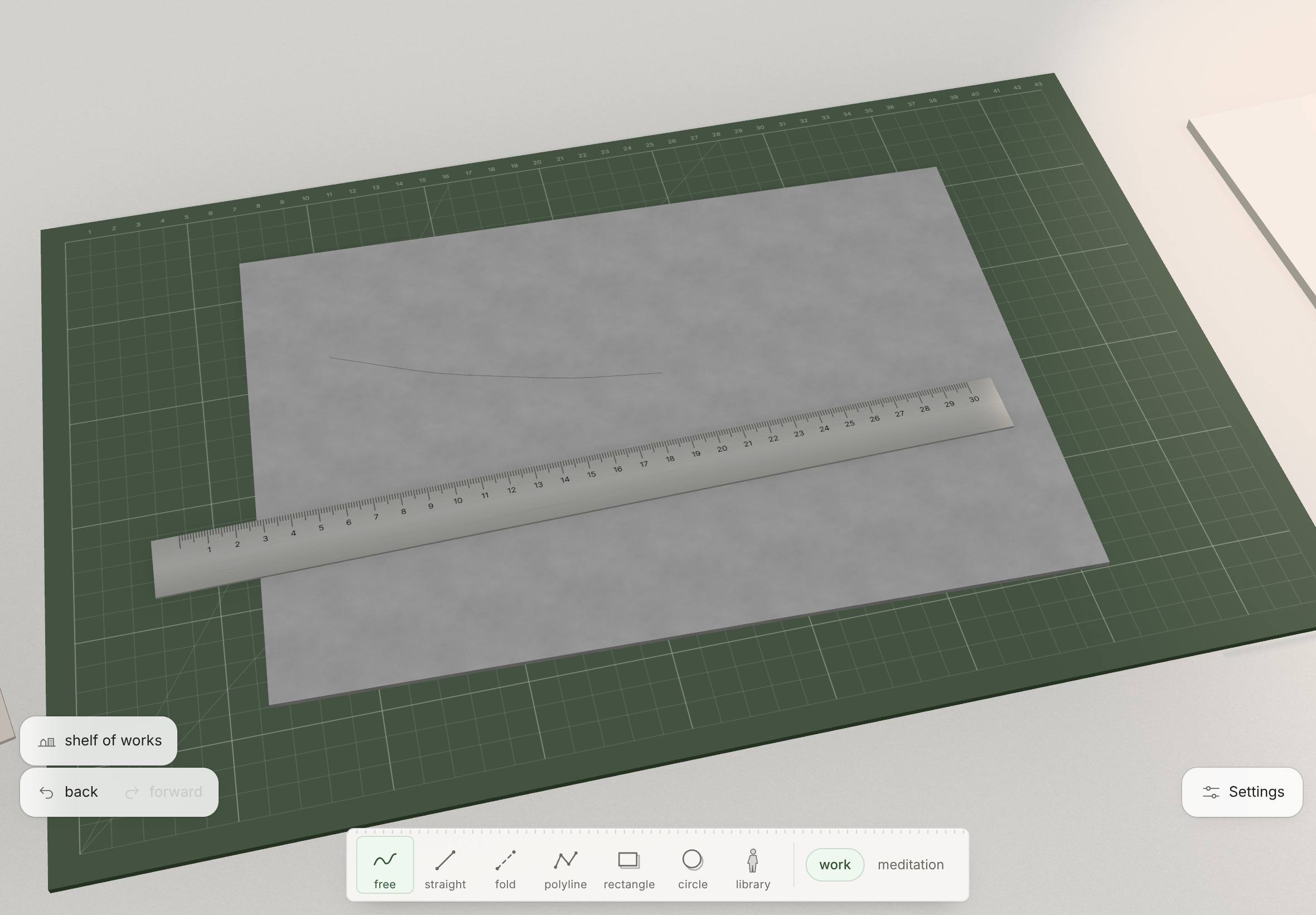
Lay a sheet on the mat and draw along the steel rule. The groove darkens and widens with each pass until it opens into a slit; when the outline is through, the part lifts a fraction and settles with a click. The sound of the blade follows the speed and pressure of your hand.
A pencil note beside the cut gives its length and angle. If a material won’t take a knife (kraft MDF is laser only), the studio says so in one pencil line, and the line fades a few seconds later.
In “work” mode, the default, every cut goes straight through. Switch to “meditation” and thick sheets take several passes, as they do by hand.
Can I use Greyboard on iPad without Apple Pencil?
Yes. By default a finger holds, so nothing gets cut by accident. Press and hold a sheet and the finger becomes the knife.
The turntable, the lamp, the camera and the photo studio are made for fingers first.
Can I bring a sketch in with the iPad camera?
Yes. In the corner of the table, “a sheet” offers three ways: “from a file”, “photograph” or “scan”. A scan finds the corners of the paper (you can nudge them with a finger), straightens it and cleans it to white paper and dark pencil.
Either way the image lands on the table as a printed A4 or A3 sheet beside the base board, ready to read or trace. Tap it and the camera leans over it.
How do I put Greyboard on the Home Screen?
-
Open the studio in Safari
Follow “Open the studio” from this site in Safari on your iPad. No App Store, no account.
-
Share, then Add to Home Screen
Tap Share, then Add to Home Screen. If there is an option to open it as a web app, leave it on.
-
Open it like an app
Greyboard gets its own icon and opens full screen, without the address bar. New versions arrive by themselves; if you still see an old one, close it in the app switcher and open it again.
Is my work saved on iPad?
Yes, automatically. Every finished gesture is written to the browser’s storage on the iPad within a second, and again whenever Safari hides the page, so a tab that iPadOS unloads costs you nothing. Open the studio and your last work is back on the table.
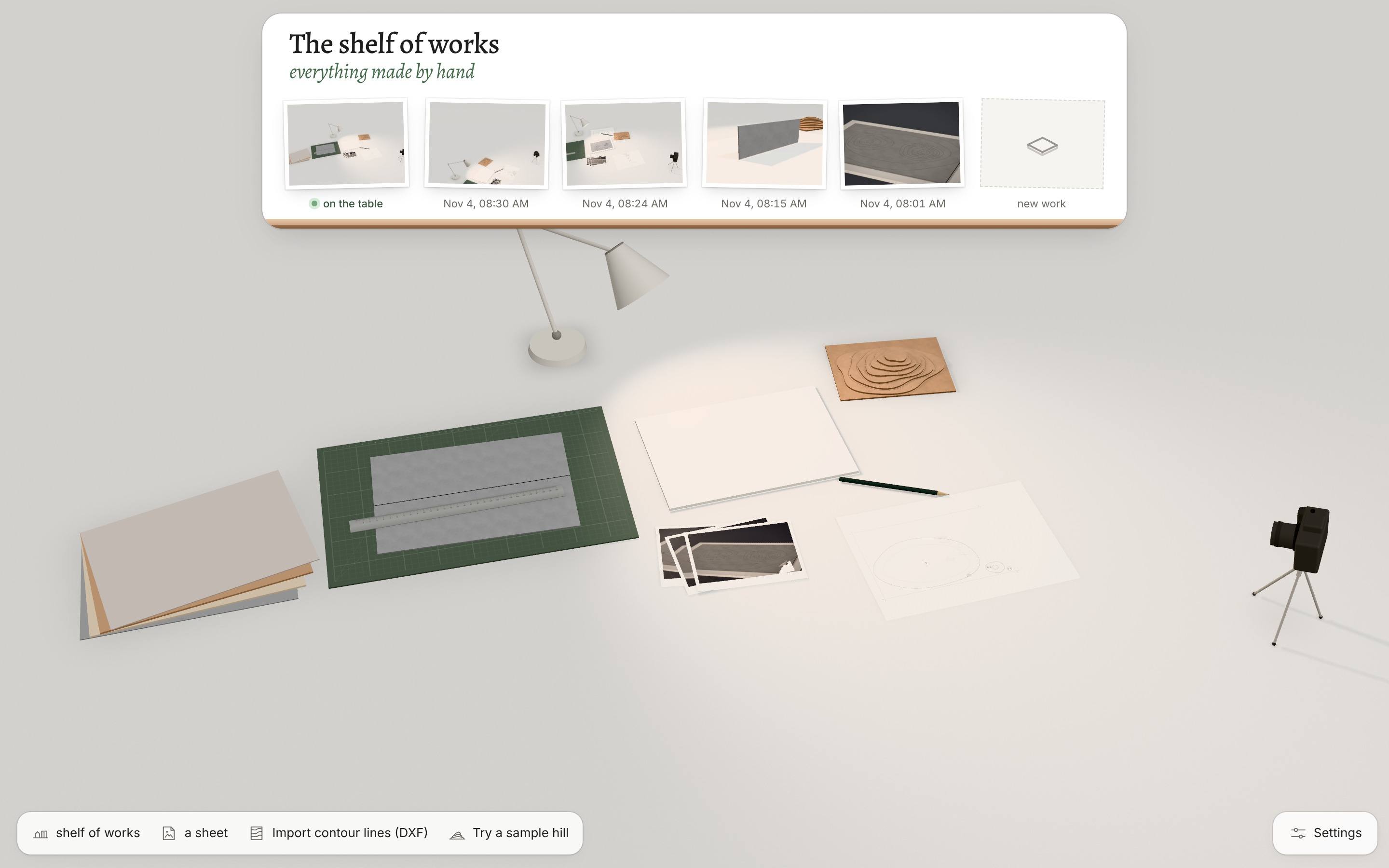
Finished works wait on the shelf of works as small prints. In the photo studio, tap a print to keep the picture: the Share sheet opens, so it goes to Photos or Files. The cutting layout downloads as one ZIP, which Files opens with a tap.
iPad questions
Does Greyboard work on iPad?
Yes, in Safari, with touch and Apple Pencil from the first day. There is nothing to install; add it to the Home Screen and it opens full screen.
Does Apple Pencil pressure do anything?
Yes. Pressure is the depth of the knife pass, and the sound of the blade follows it. In “meditation” mode thick sheets take several passes; in “work” mode every cut goes straight through.
How do I undo on iPad?
Tap with two fingers to go back and with three to go forward. A faint “back · forward” also sits in the corner of the screen.
Can I work with just my fingers?
Yes. A finger holds and carries; a long press on a sheet turns it into the knife.
Will my music keep playing while I work?
It should. Where Safari allows it, the studio plays its sound alongside other apps, so music in your own app carries on; the studio adds only the room and the material.
Pick up the Pencil. The sheet is on the mat.
Open the studioFree during the beta · no sign-up · iPad, Mac and PC browsers