Made slowly, by hand. Kept quiet on purpose.
Greyboard is a collaboration of KUZUB, a software studio for design and construction, and Sofiia Shylo: a quiet studio in the browser for building architectural models from virtual card, wood and acrylic, then cutting them for real. It is free during the beta, with no sign-up, speaks English, Ukrainian and Italian, and keeps your work in your own browser.
Why does Greyboard exist?
Greyboard is made by two people: KUZUB, which builds software for design, construction and manufacturing, and Sofiia Shylo. It is not built to grow at any cost: there is nothing to upsell and no reason to keep you on the screen a minute longer than the model needs.
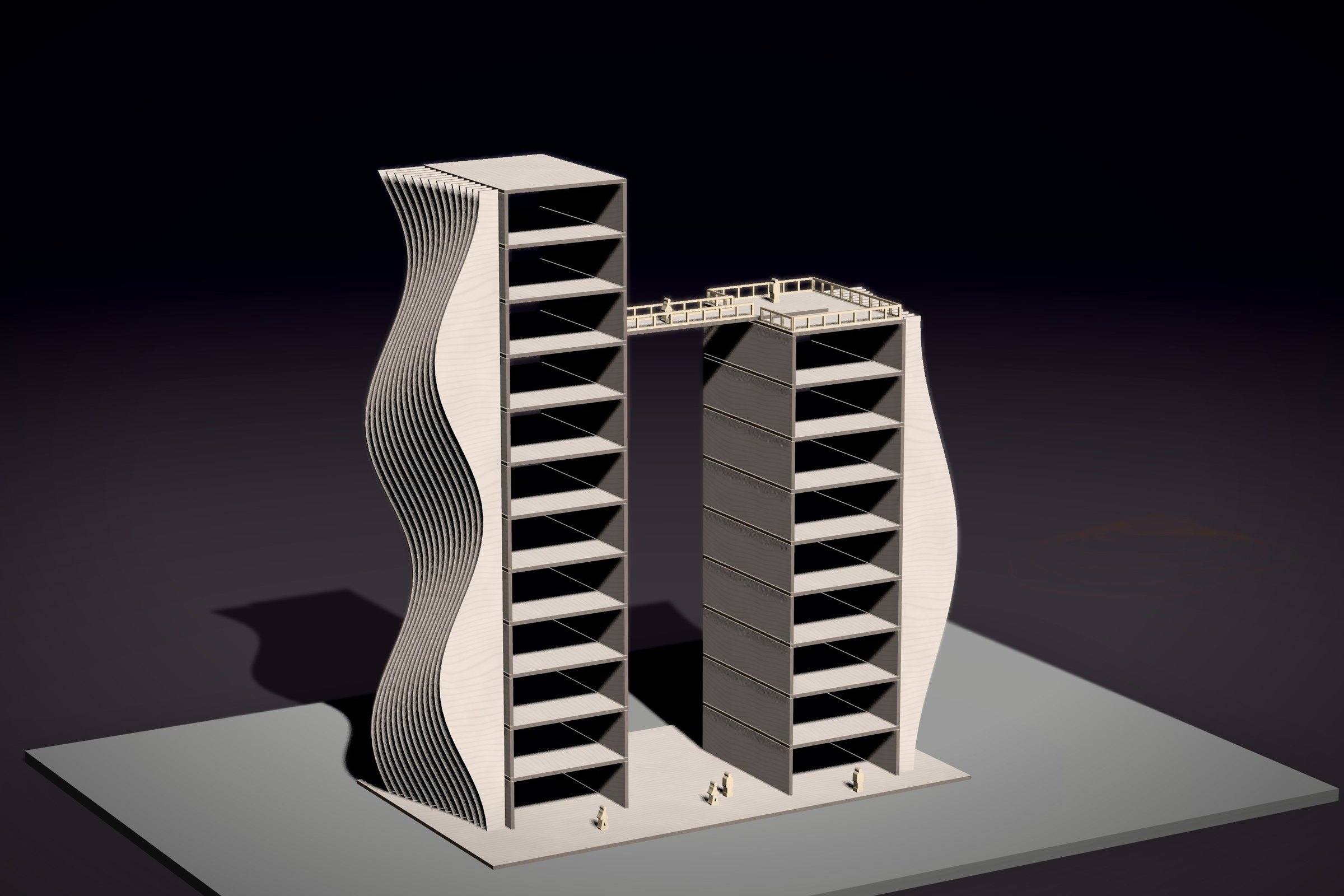
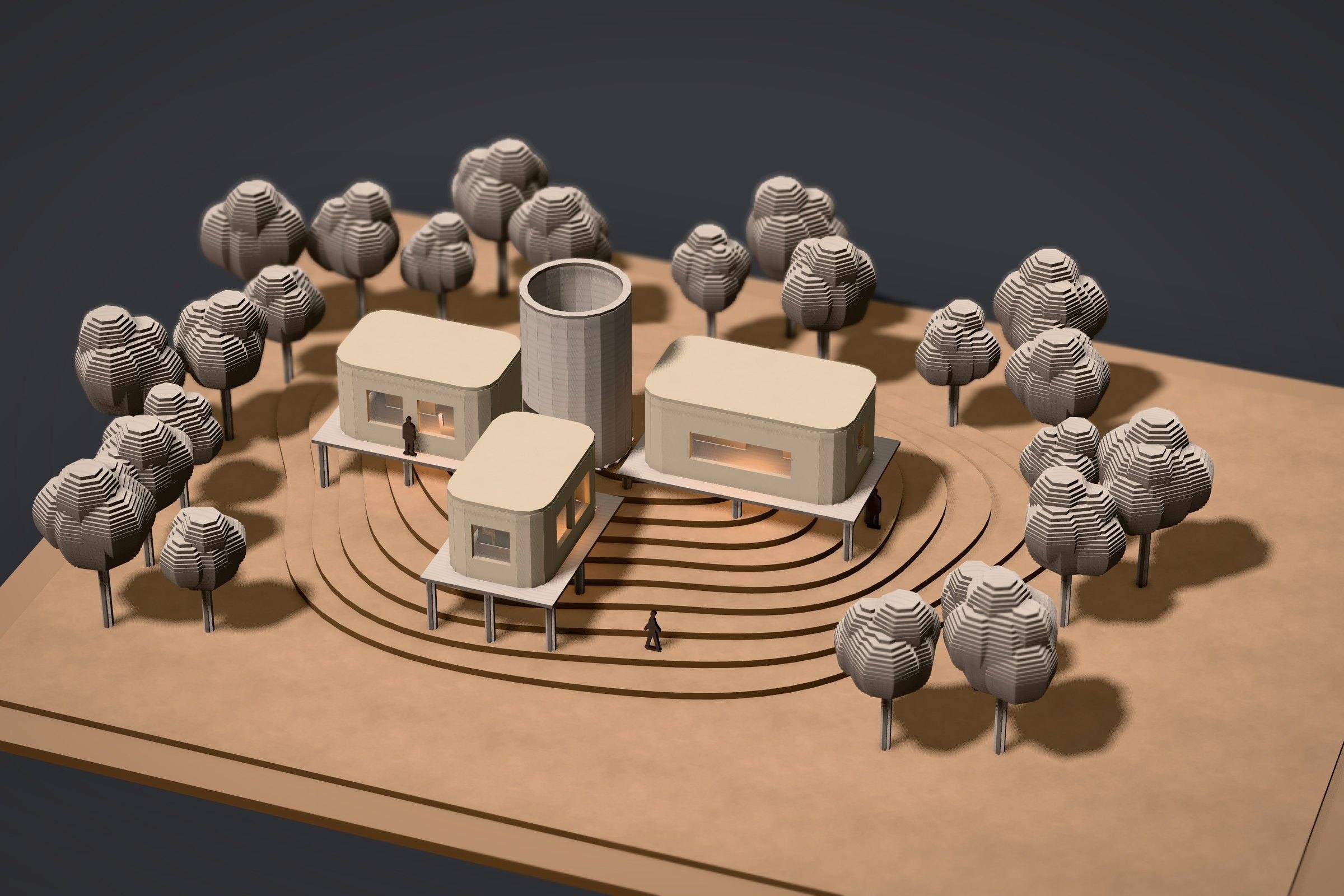
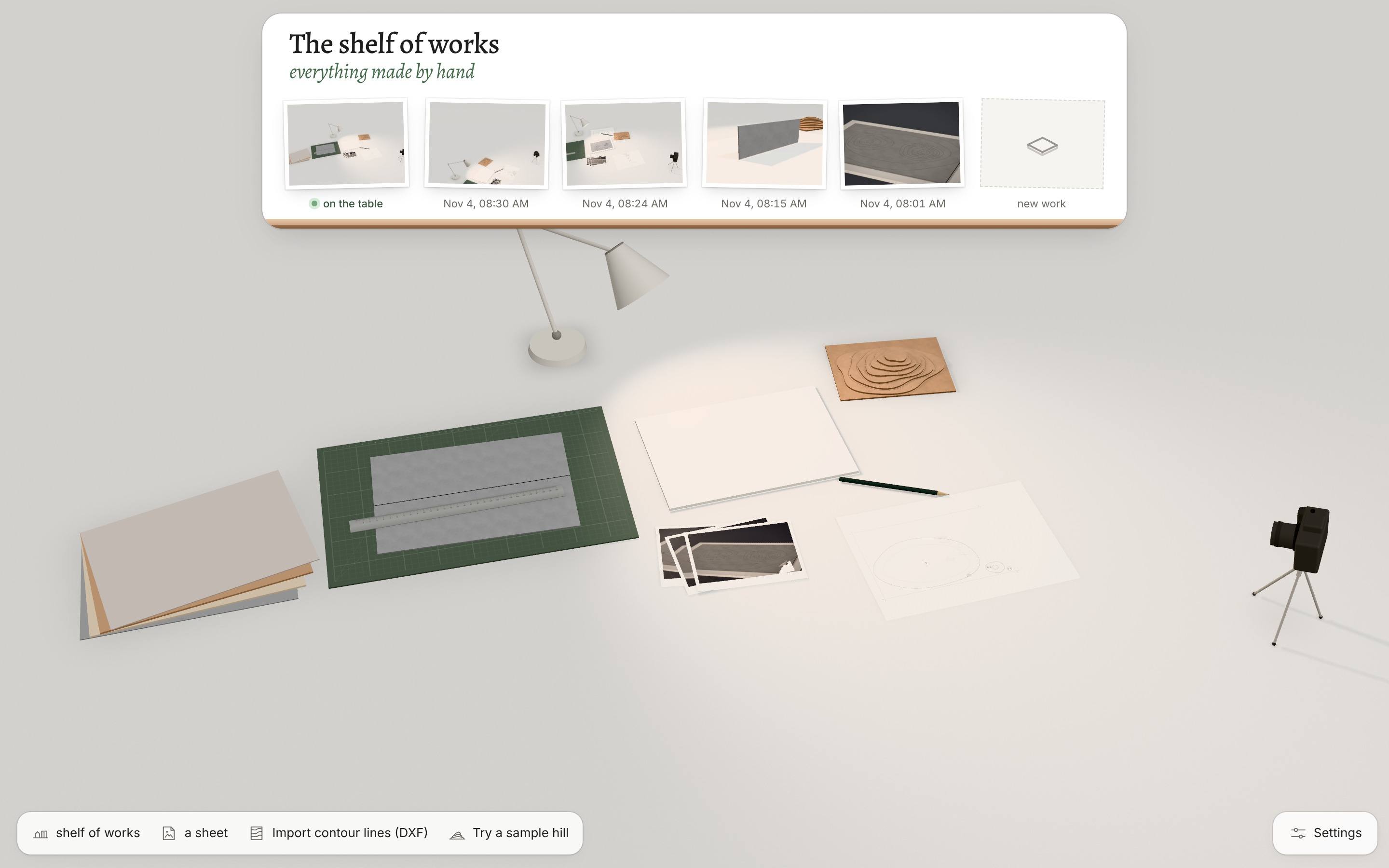
The idea is simple. Making a model should feel like an evening at a white table in a studio, with sheets on a shelf, a knife that sounds right and a lamp you move by hand. And the model you make should be one you can actually cut, in card on a laser or with a knife on a mat.
What does “a quiet tool” mean?
No notifications, no badges, no streaks, no timers. The interface is almost invisible and steps back after 3 seconds of stillness. A warning is one pencil line beside the problem, in the voice of an experienced model maker, and it fades once the problem is fixed.
Sound is part of the work rather than decoration: the knife, the sheet landing on the mat, a quiet room behind it all. The music is yours: a playlist on the radio on the table, or your own app. There is no generated music.
Seven principles every feature has to pass
If a feature breaks one of them, it doesn’t go in, however useful it might be.
-
A table, not an interface
Tools lie on the table. Light is a lamp you drag; materials are a stack of sheets on a shelf.
-
Two tempos
By hand, pass after pass, or fast, with volumes, walls and a laser. Both build the same model, and you can switch at any moment.
-
Everything has weight and sound
A sheet lands on the mat with a soft knock, a part comes free with a click, glue takes a few seconds to set.
-
Honest materials
You can’t make what couldn’t be cut: a 0.3 mm bridge in card would tear. The studio says so gently, like a model maker at your side.
-
Quiet as a feature
No notifications, badges or counters. Whatever isn’t needed right now fades away.
-
Mistakes cost nothing
Every cut can be undone, and every gesture after it can come back.
-
The result is a photograph
A session ends with a good picture, even if the model isn’t finished yet.
What is free?
Everything, during the beta: the studio, all eleven materials, terrain from contour lines, the photo presets and the export of cutting layouts (DXF, SVG and the actual-size PDF). There is no sign-up and no account to create.
Who reads your data?
Nobody. There is no account, so there is nothing to sign in to. The geometry is worked out in your browser, on your own device. Your work (the drawing you dropped on the table, the model, the photo prints) is saved in the browser’s storage there and goes nowhere else. Autosave can be switched off in the settings.
This site counts visits without cookies and follows nobody. If you paste a Spotify or YouTube playlist into the radio, that player comes from Spotify or YouTube and follows their rules; music from your own app involves nobody.
About the project
Who makes Greyboard?
Greyboard is a collaboration of KUZUB (kuzub.co.uk) and Sofiia Shylo.
Is Greyboard free?
Yes. During the beta everything is free, including the export of cutting layouts, and there is no sign-up.
Where is my work stored?
In your browser’s storage on your own device. Clearing the site’s data in the browser removes it, so export the cutting layout or save your photos if you want a copy elsewhere.
Will Greyboard send me notifications?
No. There are no notifications, badges or streaks, and no emails, since there is no account.
Which languages does it speak?
English, Ukrainian and Italian, in the studio and on this site. The studio picks your browser’s language first, and you can change it quietly in the settings.
Clear the table. Take your time.
Open the studioFree during the beta · no sign-up · iPad, Mac and PC browsers